
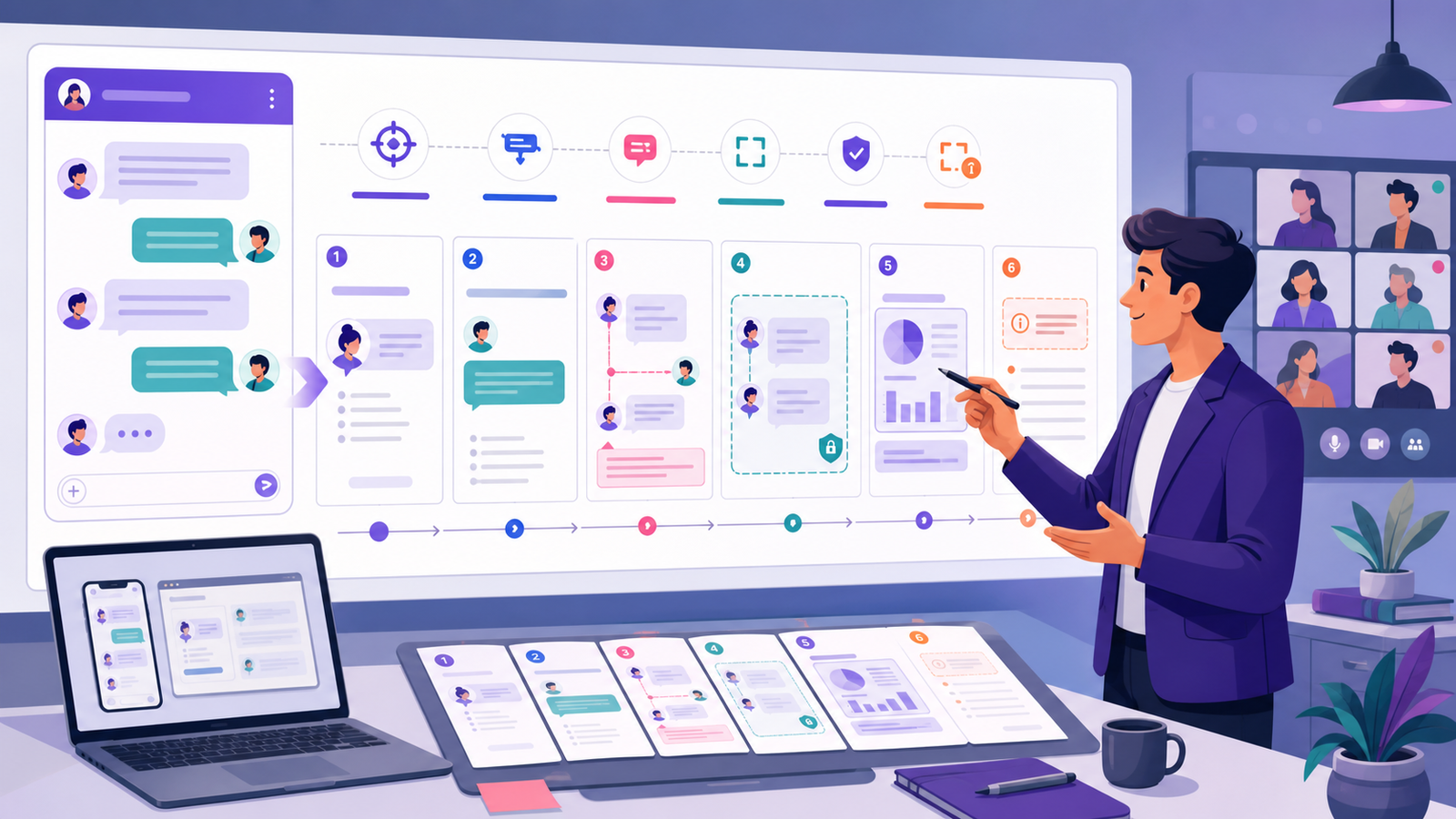
A chat mockup generator can help a presentation explain a sequence that would be hard to understand as a single paragraph. It works well for product concepts, training examples, content design reviews, and fictional case studies. The mockup must be framed honestly: a simulated conversation is not a customer testimonial, production screenshot, research transcript, or proof that a workflow performs as claimed.
This guide builds a fictional presentation about a library event-registration concept. The participants, organization, messages, interface, attendance, and outcomes are invented. The slide deck demonstrates how to show context, conversation, decision, and limitation without copying a private chat or implying endorsement.
You can create the fictional slide asset in the chat mockup generator using invented profiles, timestamps, playback, and Mobile or Web export.
1. Give the chat a specific presentation purpose
Decide whether the conversation illustrates a problem, proposed flow, training behavior, or design question. One chat should not simultaneously act as proof, tutorial, testimonial, and roadmap. In this example it illustrates how a user moves an event registration to another session.
Write the audience takeaway in one sentence. If the mockup is removed and the slide still communicates everything, the image may be decorative; if the slide becomes impossible to understand without reading tiny bubbles, the content needs restructuring.
- Purpose: explain one proposed registration flow.
- Audience: product and content reviewers.
- Decision: whether the sequence is understandable.
- Limit: no production behavior or customer outcome is proven.
2. Create fictional and non-identifying content
Use invented names, abstract avatars, fictional organizations, harmless dates, and generic event details. Do not paste a real customer exchange and assume that cropping the name solves privacy. Message wording, time, role, venue, attachment, or surrounding context can identify people.
Avoid logos and interface details that imply affiliation with an unrelated platform. If the visual is inspired by a general messaging pattern, describe it as a concept or simulation.
3. Plan a slide sequence instead of one crowded screenshot
A useful sequence often begins with context, shows the conversation in two or three readable stages, identifies the decision, and ends with limits or next validation. Do not reveal the entire transcript at once if the audience cannot read it.
Use consistent crops and preserve role labels. Every animation should serve comprehension and still work when motion is removed or the deck is exported to PDF.
4. Draft the fictional presentation conversation
The messages should be concise enough for a slide and complete enough to show state. Speaker notes can hold implementation detail, but they should not contradict visible content.
The sample below is a concept, not a live registration system.
- User: “I registered for the fictional Saturday workshop, but I need the later session.”
- Assistant: “The later session has space. Review the change before confirming.”
- Assistant: “Current: 10:00. Proposed: 15:00. No change has been made.”
- User: “Move my registration to 15:00.”
- System: “Registration moved to the fictional 15:00 session.”
- Assistant: “You can review or cancel the updated registration in this concept.”
5. Add visible disclosure and evidence boundaries
Place “fictional concept,” “simulated conversation,” or equivalent wording near the visual when confusion is plausible. A disclosure hidden in presenter notes or alt text is not enough for a screenshot that may circulate by itself.
Separate claims from concepts. A mockup can demonstrate intended wording and sequence, but it cannot prove conversion, satisfaction, completion time, accessibility, technical feasibility, or user preference. If research supports a claim, cite the method and source independently.
6. Design for projection, remote viewing, and export
Test the deck on the smallest expected remote window and at typical room distance. Increase text size, shorten bubbles, preserve contrast, and avoid thin callout lines. Do not rely on presenter zoom to rescue an unreadable slide.
Export to PDF and image formats to check crops, font substitution, color, and animation loss. Keep important context outside transitions so asynchronous readers receive the same meaning.
7. Make the presentation accessible
Provide logical reading order, meaningful slide titles, alt text, sufficient contrast, and complete speaker notes or a transcript. Do not encode role only through left/right position or color. A reader should identify who speaks from names or role labels.
If bubbles are images, provide the conversation as selectable text. Describe the purpose of the visual rather than repeating every decorative detail. Avoid rapid auto-play and give audiences control over pacing.
8. Review with a presentation QA checklist
Ask a reviewer unfamiliar with the project to identify the scenario, current state, proposed action, result, and what remains unproven. If they interpret the scene as a real testimonial or implemented product, the framing failed.
Record the mockup owner, source file, date, deck locations, language versions, and review status. Remove or update old assets when the concept changes so screenshots do not continue circulating without context.
- Can the audience read every essential message?
- Is the simulation label visible outside speaker notes?
- Are claims supported separately from the mockup?
- Does the PDF preserve meaning and accessibility?
Frequently asked questions
Can a chat mockup be used in a sales deck? It can illustrate a fictional workflow if it is labeled and not presented as a customer quote or guaranteed result. How many bubbles belong on one slide? Use the minimum needed for the audience to understand one change; there is no fixed number. Should the slide imitate a popular messaging app? Prefer a clearly original or generic visual that avoids confusion about affiliation.
Presentation checklist
- The conversation serves one clear audience takeaway.
- All content and identities are fictional or properly authorized.
- The sequence is readable on projection, remote view, and PDF.
- Simulation disclosure is visible.
- Claims and research evidence are separate.
- Alt text, reading order, transcript, ownership, and version are complete.