Podcast hosts often have a list of questions but no reliable way to tell whether the conversation will progress naturally. Turning an interview outline into a fictional exchange in Chat Simulator helps you test the opening, follow-up logic, transitions, and closing before recording. This guide addresses the long-tail search intent behind “chat simulator for podcast interview planning” with a practical workflow for editorial teams, educators, and independent creators.
A simulated exchange is not a guest’s real statement, a recording release, or an approved transcript. Label anything shared publicly as an “interview script draft,” “simulated Q&A,” or “fictional example.” Never present a generated image as evidence of an actual interview or use it to impersonate a host or guest.
1. Write the promise of the episode
Before drafting the first question, explain in one sentence what the listener should gain. For example: “This episode helps independent creators build a sustainable weekly work rhythm.” That promise becomes a filter. A question that does not help the listener understand the topic, the guest’s choices, or an actionable method should be removed or moved to a backup section.
Define the listener as well. A beginner audience needs background and plain-language definitions. A specialist audience may need less context and more discussion of tradeoffs, evidence, and failed approaches. Do not add unrelated questions merely to include more keywords.
2. Build a question ladder instead of a flat list
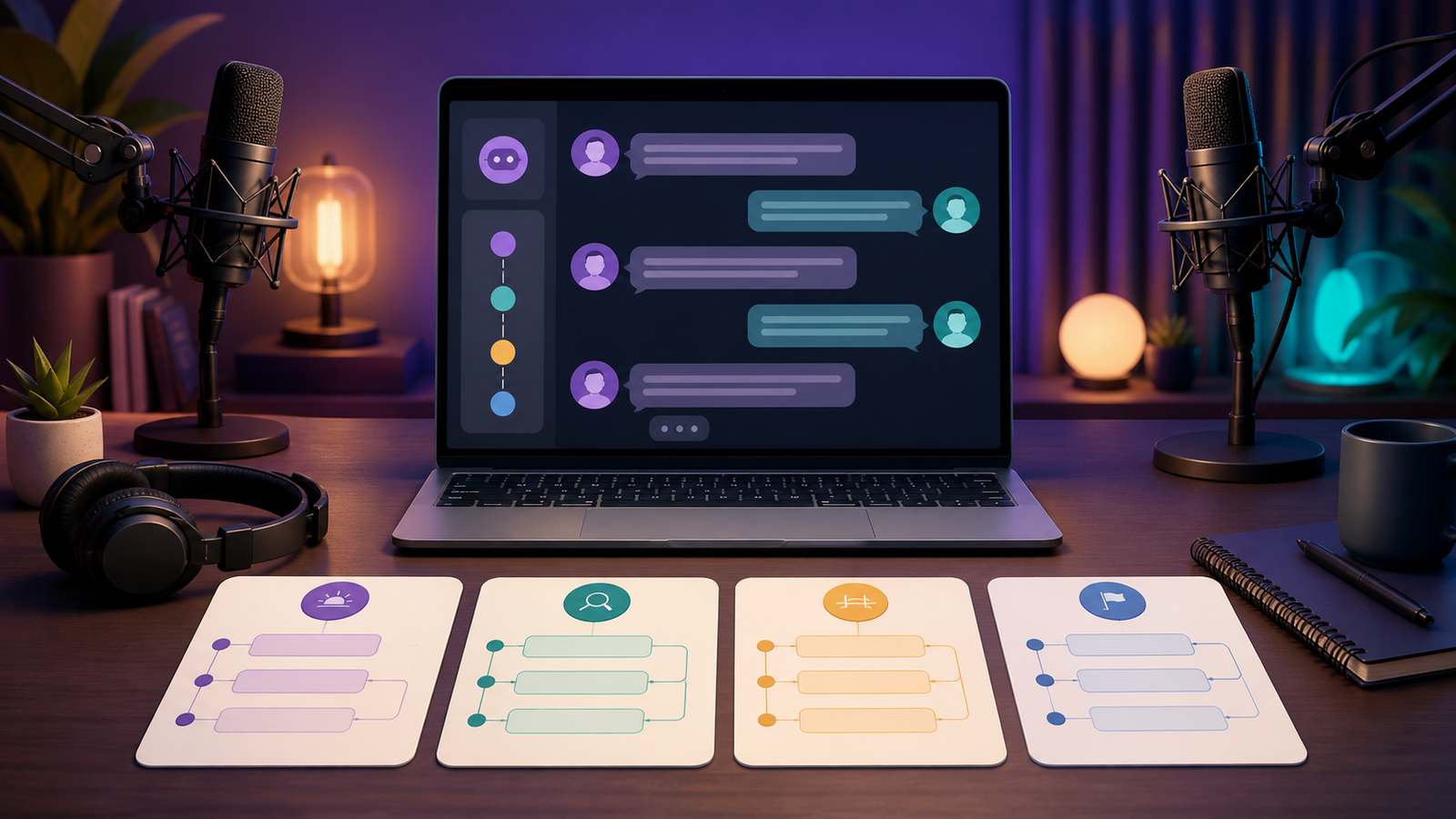
A natural interview is rarely ten unrelated questions. It moves from context to detail through a deliberate sequence. A useful ladder has four levels:
- Context: who the guest is and why their experience relates to the topic;
- Experience: what specific event or situation occurred;
- Decision: which choices were available and why one was selected;
- Reflection: what the guest would keep or change if starting again.
Use one or two core questions at each level in the chat mockup. Specific wording invites useful detail. Instead of asking, “How do you manage time?” try, “When you choose three priorities on Monday, what do you deliberately leave out?”
3. Give the host and guest consistent voices
Host messages should be short, clear, and connected to the previous answer. A guest can use fuller sentences without sounding as if every thought was prepared in advance. Occasional clarification and self-correction can make the script more realistic without adding empty filler.
Use fictional names and original avatars. Do not upload a real guest’s private portrait, contact information, unpublished material, or unconfirmed quotation. For internal review, role labels such as “Host,” “Guest,” and “Editor” reduce the chance that a draft will be mistaken for an approved statement.
4. Simple case: an independent creator’s weekly plan
Imagine an episode about protecting creative time from constant meetings. The host first asks the guest to describe a typical week. The guest explains that they used to run too many projects at once. Rather than switching topics, the host follows the exact thread: “Which project first showed you that the number of active tasks had to change?” The guest describes a missed deadline and then explains a newer three-priority method.
The host continues with, “When an unexpected request arrives, what tells you to accept it now or postpone it?” This converts abstract advice into a decision rule. The closing asks the guest to suggest one small action a beginner can try next week.
The example contains context, tension, method, and action without inventing sensitive claims or speaking for a real person. It can fit twelve to sixteen messages and should be labeled as a simulated interview script.
5. Design follow-up branches rather than a script to memorize
A strong interview adapts to the answer. Prepare two follow-up directions for every core question. If the answer is broad, ask for a specific example. If it is already concrete, ask about the reason, consequence, or tradeoff. This preserves structure while leaving room for an authentic recording.
In Chat Simulator, save separate mockups for the main path and one backup path. During review, check whether each follow-up clearly depends on the preceding answer. If it still makes perfect sense after the answer is removed, it may be another preset question rather than evidence of listening.
6. Use timestamps and playback to review pacing
Mock timestamps can help a team estimate density, but they should not resemble a genuine recording record. Opening questions and short answers may move quickly; personal examples and reflection need more room. Use playback to see whether the host sends several questions at once, interrupts the guest too early, or needs a short summary before changing topics.
If a thirty-minute episode plan contains fifteen complex questions, its scope is probably too broad. Five to seven core questions with a small number of branches usually create more depth than a race through a long checklist.
7. Plan captions, transcripts, and accessible reading
Questions should remain understandable without audio. Avoid repeated vague references such as “that” or “the thing you mentioned.” Restate the topic when a transition requires it. Exported chat images need readable type, adequate contrast, and alt text that explains their purpose.
For the finished podcast, provide verified show notes or a transcript when possible. A simulated chat image explains editorial structure; it is not a verbatim record. Any quotation attributed to a guest must be checked against the recording and the agreed publication process.
8. Protect privacy and publish transparently
Use only information required for planning. Remove private email addresses, phone numbers, unreleased project names, health details, financial information, and other sensitive material. Do not make a fictional example more dramatic by adding unverified accusations or personal claims.
Place a “simulated Q&A” disclosure in the caption or close to the image. Do not add a verification badge, imply a partnership that does not exist, or describe a draft as an excerpt from an episode that has already aired. Transparent context helps readers understand that the image is a planning tool.
Common questions
How long should the mock interview be? Twelve to sixteen messages often fit one mobile image. A complete episode can be divided into opening, core discussion, and closing mockups.
Can I copy something a guest said elsewhere? Use a quotation only after checking its source, scope, and publication permission. Original fictional answers are safer for a planning demonstration.
Does every planned question belong in the recording? No. The mockup helps identify a main path and optional branches; the actual interview should still respond to what the guest says.
Pre-recording checklist
- The episode promise and target listener are clear;
- Questions move from context to experience, decision, and reflection;
- Each core question has at least one answer-dependent follow-up;
- Names, avatars, and example answers are original or authorized;
- No private contact detail, unreleased material, or unverified allegation is included;
- The image is labeled as a simulated Q&A or interview script draft;
- Final quotations will be checked against the real recording and permissions.
Chat Simulator is most useful when it turns an abstract outline into a conversation the editorial team can inspect. It cannot replace attentive hosting and it cannot speak for a guest. It can, however, reveal repeated questions, weak transitions, and unsupported follow-ups before recording, helping the final interview become clearer, more focused, and more respectful of everyone involved.